

Color saturation correction
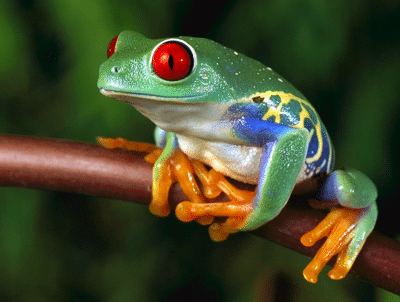
To adjust the color saturation, you can use the saturate=X filter and set the desired adjustment value (X= -100..100). Negative values will decrease color saturation while positive ones will increase it.
saturate=X
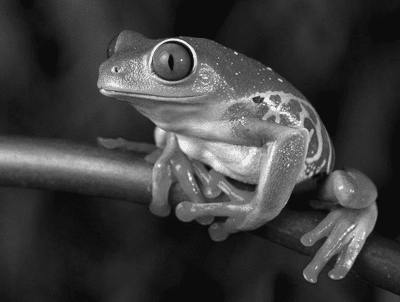
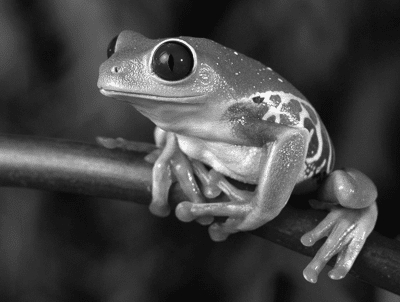
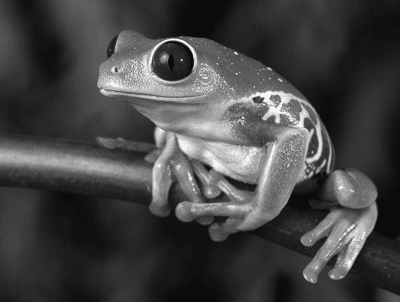
Using saturate=-100 will remove all color information and convert the image to grayscale.
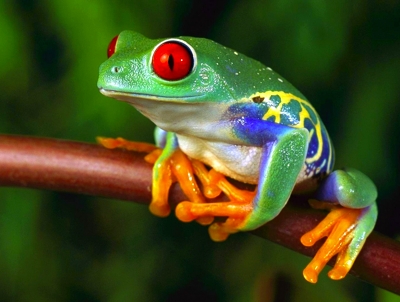
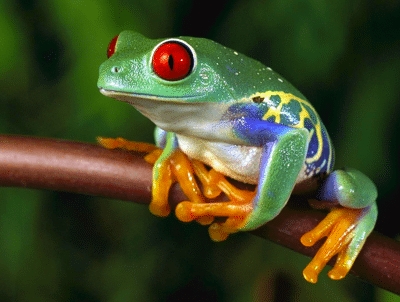
Original image: /samples.scaleflex.com/frog.png?w=400
Increased saturation: /samples.scaleflex.com/frog.png?w=400&saturate=35
Desaturation: /samples.scaleflex.com/frog.png?w=400&saturate=-100
Grayscale: /samples.scaleflex.com/frog.png?w=400&gray=1